
How to burn a Windows password recovery CD
Download Lazesoft Recover My Password and install it in any available computer, and then start its Bootable Media builder.
-
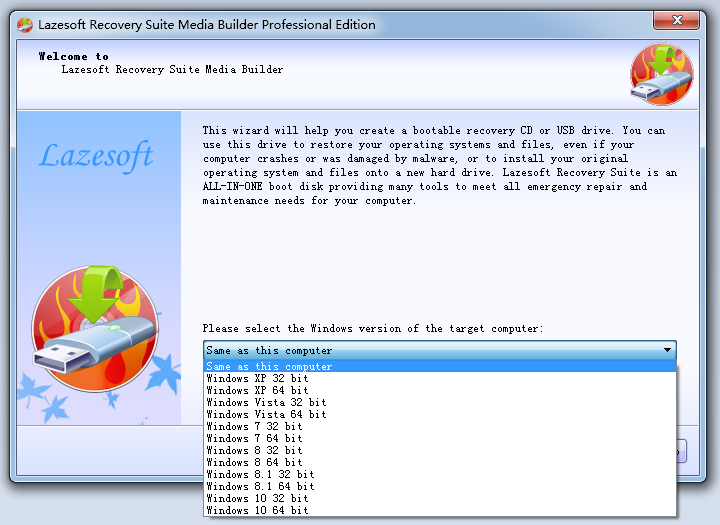
On 'Lazesoft Bootable Media builder' welcome page, click <Next> to continue.
-
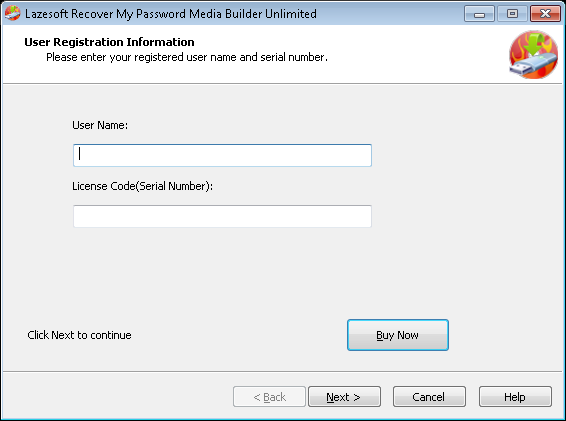
Home Edition of Lazesoft Recovery My Passowrd is free. For other editions, if the Lazesoft Recovery My Passowrd is not full version or unregistered, register page will be displayed.
-
Input your user name and serial number in your purchase information. If you have not purchased the full version, please click <Buy Now> to order online and get a full license.
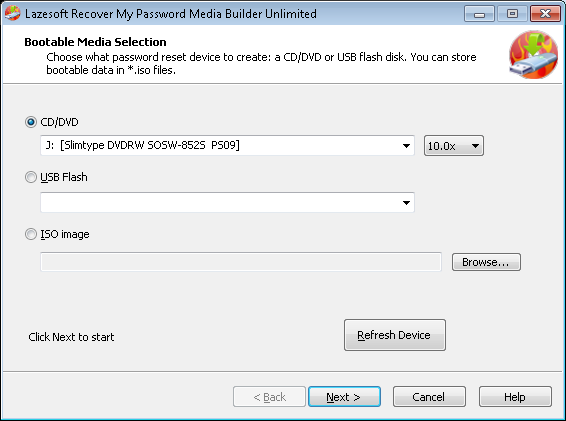
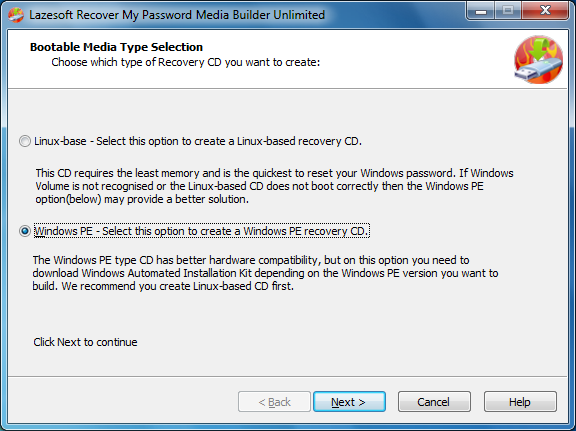
(For Server and Unlimited Edition, you can both create linux-base and WinPE based CD.) Choose type of recovery CD you want to create. We recommend you create a WinPE CD first. If the Windows Volume or disk is not recognised or the CD does not boot correctly and do not know how to load a drivr for you hard disk, please contact us. We provide free technical support.
-
Insert a writable CD into the CD/DVD drive, and then click the "Next" button to start burning Lazesoft Recover My Password ISO image file to the CD.
-
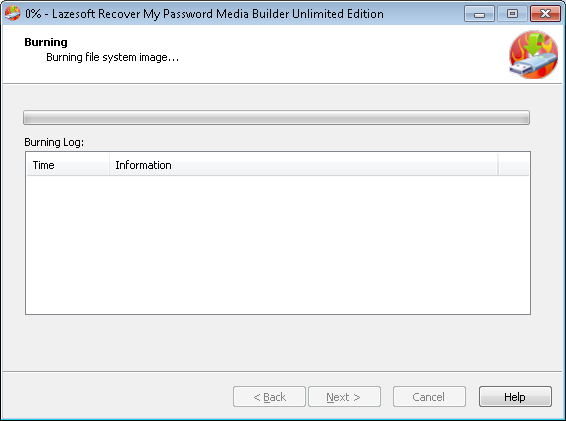
When bootable CD is burning, please wait for a few minutes. After the burning task is completed, click "Next".
-
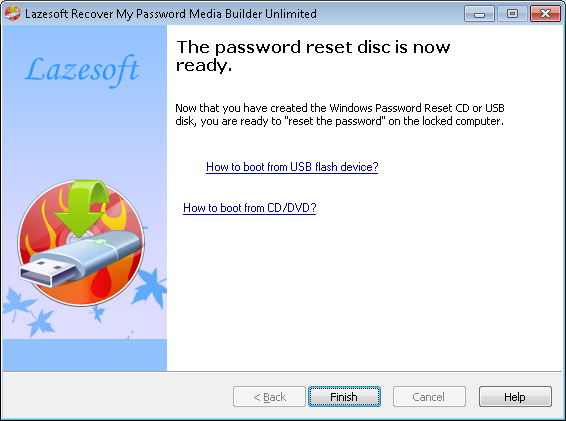
On the finish page, the new burned Lazesoft CD is ready and you can use it to reset your lost Windows administrator password to blank now.
Tips:How to boot a computer from a Lazesoft Recover My Password CD
You can also use a CD/DVD burn tool to burn Lazesoft Recover My Password ISO on a CD.
Lazesoft Recovery Suite is easy to use, powerful boot disk design to Recover Data, Recover crashed Windows System, Recover Windows Password, Clone or Backup Disk, etc.
Recovery manual and guides
How to burn a bootable recovery CD
How to boot from the created recovery CD
How to create a bootable recovery USB Disk and boot from it
How to perform a data recovery
How to recover data from formatted or damaged partition
How to fix boot problems if Windows won't start correctly
How to clone entire disk for backup or upgrading
How to recover Windows login password
How to recover Windows Server password
Forgot Windows admin user password
Forgot Windows Server 2003 2008 Domain Administrator Password
How to burn a Windows password recovery CD
How to boot Windows password recovery CD
How to recover Windows login password
How to recover administrator password
How to recover Windows Server password
How to recover Windows XP password
How to recover Windows Vista password
More...