
Backup Schemes
Backup schemes, together with the scheduler, help you define a robust and efficient backup strategy. These schemes optimize storage space, improve reliability, and enable automatic cleanup of outdated versions.
What a Backup Scheme Defines
- Backup methods used to create backup versions (Full, Differential, or Incremental).
- Version cleanup rules for automatic deletion of old backups once limits are reached.
Available Backup Schemes
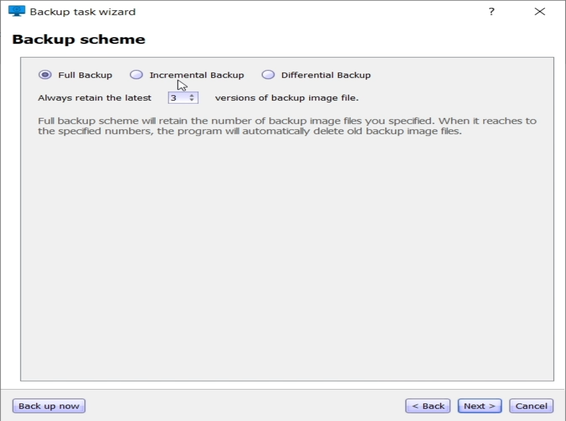
• Full Backup Scheme
Select this to create a full backup every time.
The program will retain the number of backup image files you specify. Once this limit is reached, the oldest backup images will be deleted automatically.
• Incremental Backup Scheme (Default)
Creates a full backup after every three incremental backups.
The specified number of backup image files will be retained. Once the limit is reached, the oldest versions will be automatically deleted.
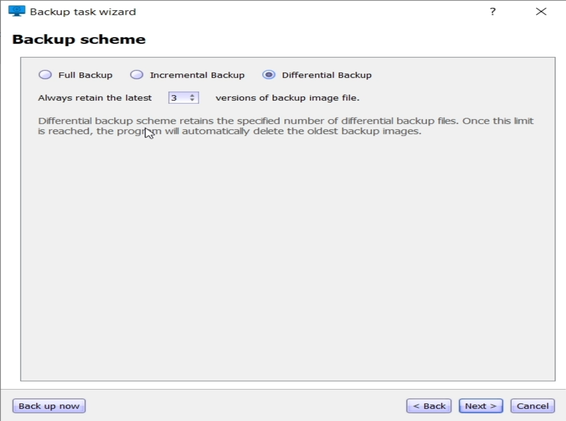
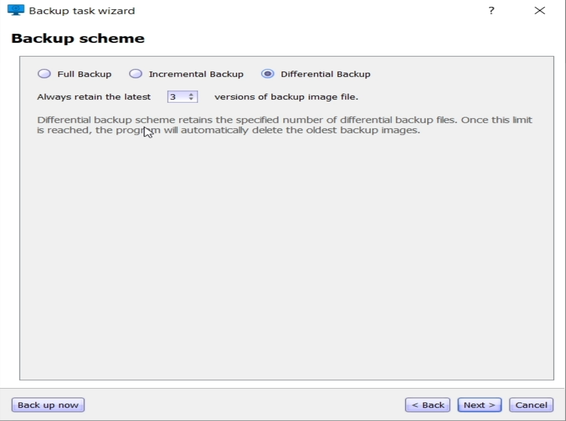
• Differential Backup Scheme
Creates differential backups after an initial full backup.
As with other schemes, old versions are removed once the maximum number of retained images is exceeded.
Choose an Action:
- Click Back Up Now to start the backup immediately.
- Click Next to continue configuring other backup options.